

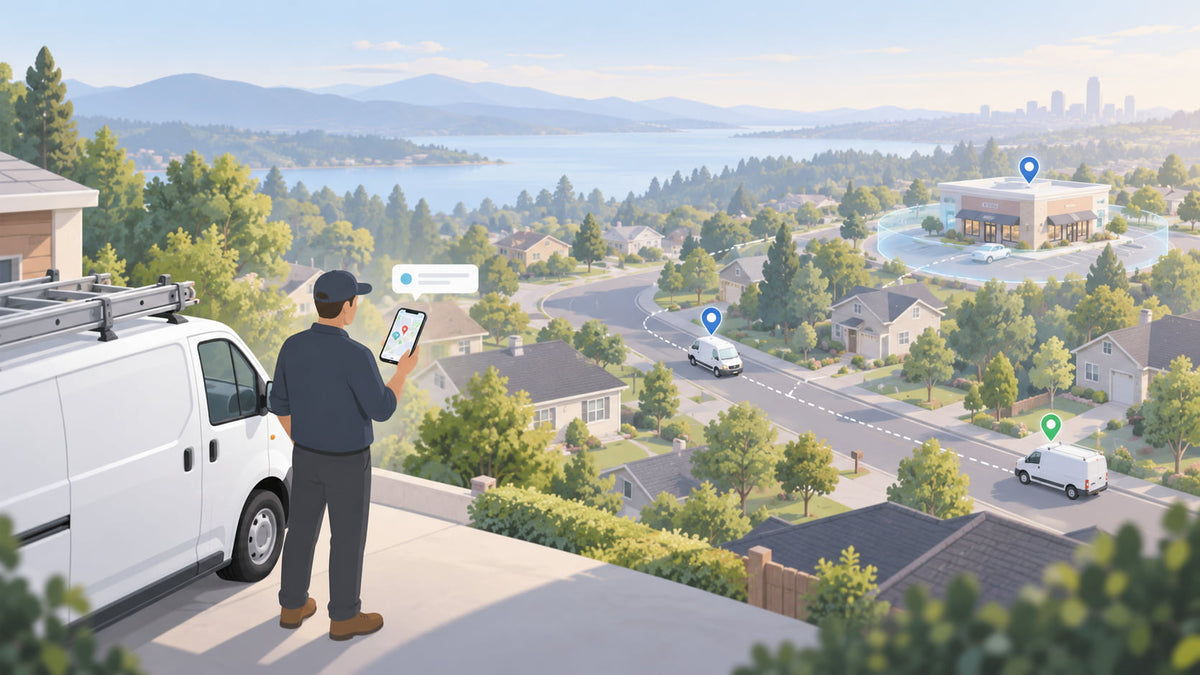
You don't run a 10-van service business from a desk. You check where a tech is from a customer's driveway, answer a homeowner who wants to know when the plumber will show up, and find out why a truck was moving at 11 at night while you're eating dinner. Whatever fleet tracking app you choose will live on your phone, so that is where you should judge it.
Spytec GPS is a self-serve GPS fleet tracking platform for small and mid-size fleets, with free hardware on every plan and published pricing from $8.95 per vehicle per month on an annual plan ($14.95 on a monthly plan). One account works on the web dashboard and on the iOS and Android apps.
This guide covers what a fleet tracking app should do for a 5 to 50 vehicle service business in 2026, the seven jobs you will use it for every week, and a 60-second test you can run on any app before you buy.
Why the fleet tracking app matters more than the tracker
The tracker is a small box that plugs into the OBD port or wires in behind the dash. Once it is installed, you will never think about it again. The app is the part you touch every day, and it decides whether tracking saves you time or becomes one more login you ignore.
Most buyers compare hardware and price first and see the app last. Flip that order. If the app can't answer your everyday questions in a few taps, the cheapest tracker in the world won't help. If you are still deciding on hardware, our OBD vs hardwired tracker guide covers that choice.
Seven jobs a fleet tracking app should handle for a small fleet
Every fleet tracking app has a map. What separates a useful one is whether it handles the everyday problems of running service vans. These are the seven that come up for almost every 5 to 50 vehicle business, what the app should do about each, and how Spytec handles it.
1. Know where everyone is right now
A customer calls with an emergency and you need to know who is closest. A tech says he's ten minutes out and you want to check. The app should show every vehicle on one map, make it obvious which are moving, idling or parked, and let you filter by crew or vehicle type once you have more than a handful.
In Spytec: one live map covers vans, trailers and equipment, and groups you set up (by crew, branch or type) carry through to alerts and reports.
2. Stop the "when will the tech get here?" calls
Every call asking where the technician is costs you twice: whoever answers the phone, and the call to the tech. The app should let you send the customer a link that shows the vehicle approaching, with nothing for the customer to download or log into.
In Spytec: Live Links and Customer ETA open in any browser, no account needed.
3. Catch after-hours and personal use
A van moving at 11 p.m. or on a Sunday is fuel, wear and liability you are paying for. You shouldn't have to go looking for it. The app should send an alert when a vehicle moves outside the hours you set, or enters or leaves a place you care about, like the shop or a supply house.
In Spytec: after-hours, geofence, speeding and low-battery alerts arrive by text, email or push. Start with two or three. Owners who turn everything on in week one usually mute the app by week three.
4. Settle billing and "nobody showed up" disputes
The customer says the tech was there for an hour, not three. Or says nobody came at all. The app should let you pull up any vehicle's day and see when it arrived at an address, when it left, and how long it stayed, in a form you can screenshot and send.
In Spytec: trip history and route replay sit on the map, with arrival, departure and time on site for each stop.
5. Keep vans from breaking down mid-week
A van that dies on a Tuesday costs you a day of jobs, not just the repair. The app should remind you when service is due based on real mileage or engine hours instead of a sticker on the windshield, and flag engine trouble before it strands a tech.
In Spytec: maintenance reminders run off odometer, engine hours or date, along with engine fault codes and battery voltage. Our guide to fleet preventive maintenance covers setting up schedules.
6. Cut speeding and wasted fuel
Speeding is your biggest accident and insurance risk, and idling burns fuel while nothing gets done. The app should show you which drivers speed and how often, and how much time each vehicle spends idling, without you building a spreadsheet. A weekly summary in your inbox is enough for most owners.
In Spytec: a driver scorecard rates each driver on speeding and harsh driving, idle time is tracked per vehicle, and reports can be scheduled to your inbox. If you're not sure which reports matter, start with the weekly reports every service business owner should run.
7. Keep mileage records without a paper log
Mileage shows up everywhere in a service business: the IRS expects dated, per-vehicle records with total annual miles, employees driving their own cars need reimbursing, and heavier trucks may owe IFTA or state mileage taxes that require miles by state. The app should record every vehicle's miles automatically, total them for any date range, and export them to a spreadsheet your bookkeeper can use.
In Spytec: trip history lists each trip's date, start and end address and distance, a mileage-by-state report splits miles by state or province, and both export to CSV or can be emailed monthly. Our guide to IRS mileage log requirements for fleets covers what the records need to show.
See every feature before you buy. No demo call needed: the full feature list is published, and hardware is free on every plan from $8.95 per vehicle per month (annual).
The 60-second test: run it on any fleet tracking app
Before you buy, sit down with the app on your phone and try to answer these questions. Each should take under a minute. If you can't get into the app before you pay, ask for access. An app you can't try before you sign is a warning sign.
- Which vehicles are moving right now, and which are parked at a job?
- Did any vehicle move after hours last week?
- What time did the van arrive at yesterday's 2 p.m. job, and when did it leave?
- Which van is due for service next?
- Can I send a customer a link showing where their tech is, without them creating an account?
Then three questions for whoever is selling it to you:
- Who else can log in, and what can they see? An office manager may need the map and history but not billing. A good app lets you set roles and limit what each person sees.
- Do drivers have to install anything? With a plug-in or hardwired tracker, no. The tracker in the vehicle reports location on its own.
- Is the price published? If you have to get on a call to learn what the app costs, factor that call into your decision.
What drivers see
Your drivers don't need a separate app for tracking to work. What they will notice is feedback: a score or summary of their speeding and harsh driving, ideally with trends over time so improvement shows up. Used well, that is a coaching tool, not a punishment list. Our 15-minute weekly driver coaching routine shows how to use it.
Tell your team before you install. A short written policy prevents most of the pushback; our employee GPS tracking policy template is a good starting point.
What to do on the phone and what to do at the desk
The phone app is for quick decisions; the web dashboard is for setup and reporting. A practical split:
| On your phone | At the desk |
|---|---|
| Find a vehicle on the live map | Draw geofences around the shop and regular job sites |
| Act on alerts as they come in | Set up alert rules, users and permissions |
| Send a customer a live location link | Build and schedule reports, export to CSV |
| Replay yesterday's route | Review driver scorecards and maintenance schedules |
| Ask the AI assistant a quick question | Connect other software through the REST API and webhooks |
What a fleet tracking app costs
With Spytec, there is no separate line for the app. You pay per device, the hardware is free, and volume discounts apply automatically at checkout across mixed device types, starting at 5% for 5 devices and 10% for 10 or more. For 10 Pulse OBD trackers, that works out to $80.55 per month on an annual plan or $134.55 per month on a monthly plan.
Annual plans are billed upfront for a one-year term. Monthly plans renew month to month. There are no activation or cancellation fees, and every order has a 30-day money-back guarantee. For a fuller breakdown by fleet size, see what small-fleet GPS tracking costs in 2026.
Frequently asked questions
What is the best fleet tracking app for a small business?
The best fleet tracking app for a small business is the one you can use from your phone without training: a live map, two or three useful alerts, trip history with arrival and departure times, maintenance reminders, automatic mileage records and a way to share a vehicle's location with a customer. Spytec GPS includes all of these on iOS, Android and the web, with published pricing from $8.95 per vehicle per month on an annual plan.
Is there a free fleet tracking app?
The apps are free to download, but tracking a vehicle requires a GPS tracker and a data plan. Spytec GPS provides the tracker hardware free on every plan, and plans start at $8.95 per vehicle per month on an annual plan or $14.95 per month on a monthly plan.
Do drivers need to install a fleet tracking app?
No. With a plug-in OBD or hardwired GPS tracker, the device in the vehicle reports location, trips and driving behavior on its own. Drivers don't need to install anything, though you should tell them about tracking before you start.
Does the Spytec fleet tracking app work on iPhone and Android?
Yes. Spytec GPS has mobile apps for iOS and Android, and the same account works on the web dashboard for setup, reports and user management.
Can I share a vehicle's location with a customer?
Yes. Spytec's Live Links and Customer ETA let you send a customer a link that shows where their technician is. The customer opens it in a browser and does not need an account or an app.
The bottom line
Pick a fleet tracking app the way you will use it: on your phone, in a driveway, in the middle of a workday. If it can answer the five questions in the 60-second test, alert you to the two or three things you care about, and let a customer see when the tech will arrive, it will earn its place. Start with a plug-in OBD tracker in a few vans, use the app for a week, and add the rest of the fleet once it has paid for itself.
Transparent fleet pricing, no sales call. Free hardware, plans from $8.95 per vehicle per month (annual), automatic volume discounts from 5 vehicles, and a 30-day money-back guarantee.






Share:
Personal Use of a Company Vehicle: How to Calculate the Taxable Amount (2026)