

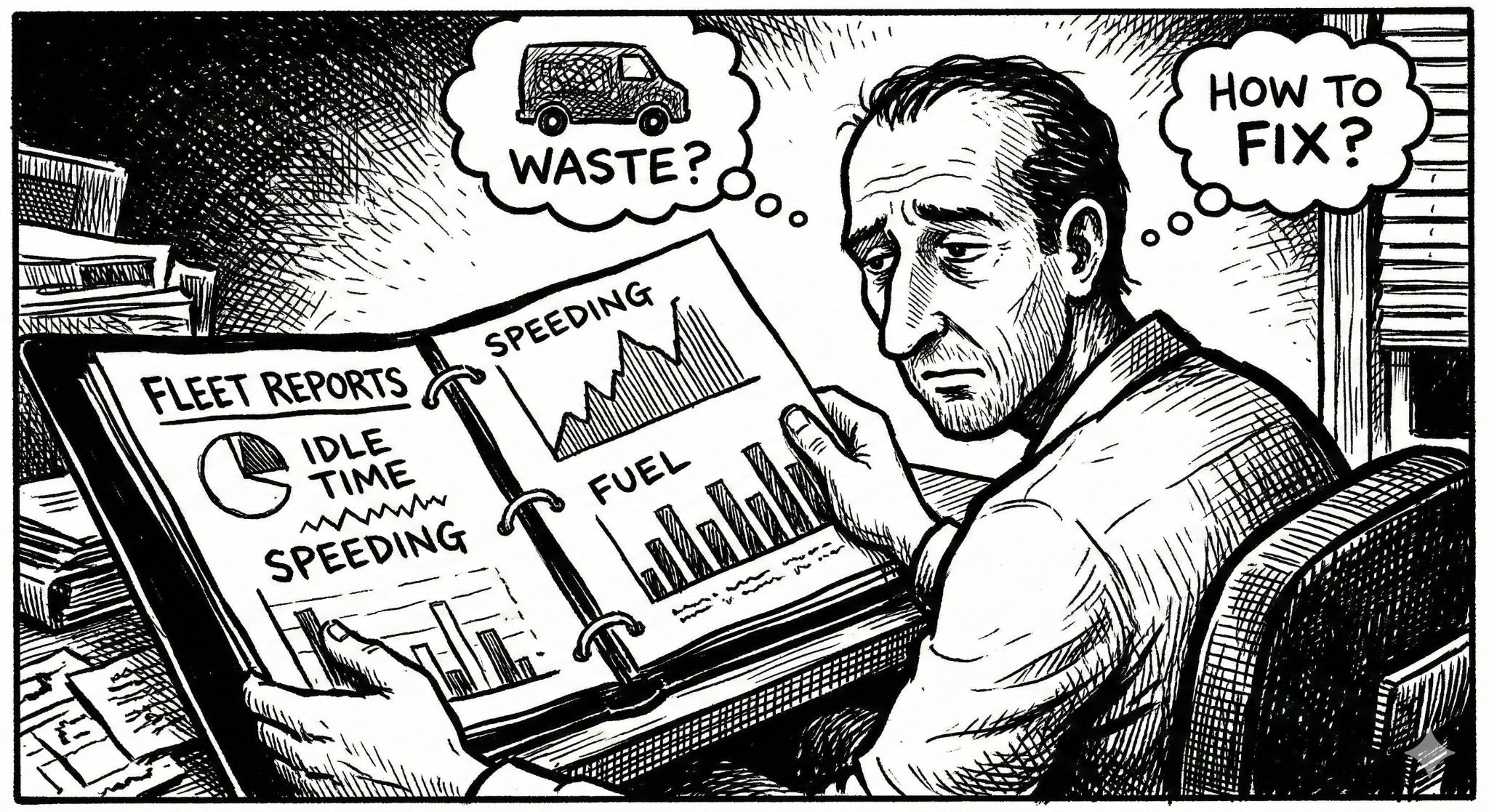
The average service fleet owner spends hours every week putting out fires: disputing billable hours with customers, tracking down missing vehicles, and wondering why fuel costs keep climbing. Implementing fleet tracking reports as part of a weekly routine eliminates the guesswork and replaces it with hard data. Taking just 15 minutes every Monday morning to review your fleet's automated reports can save you hours of headaches and thousands of dollars in operational waste in 2026 and beyond.
Spytec GPS is a self-serve GPS tracking platform for small and mid-size fleets, with plans starting at $8.95/vehicle/month (billed annually) or $14.95/vehicle/month on a monthly basis — with no long-term contracts. Our platform automatically generates the data you need to run a tighter, more profitable service business.
Why 15 Minutes on Monday Saves Hours of Headaches
Many business owners invest in GPS tracking but only log in when something goes wrong — a customer complaint, a missing van, or a fuel bill that doesn't add up. This reactive approach leaves money on the table. By proactively reviewing weekly fleet tracking reports, you transition from putting out fires to optimizing your entire operation.
You don't need to be a data analyst to get value from your tracking system. You just need to look at the right numbers at the right time. Here are the five essential reports every service business owner should review each week, whether you run an HVAC fleet, a plumbing operation, or any other local service business.
5 Fleet Tracking Reports You Should Run Weekly
1. The Idle Time Report: Stop Burning Profits
Idling is one of the most expensive and most overlooked ways service fleets waste money. An idling work van burns roughly half a gallon of fuel per hour. If you have 10 vans idling an unnecessary hour per day, five days a week, that's 25 gallons of wasted fuel — hundreds of dollars a month burned for zero return. Over a year, that's easily $3,000–$5,000 gone with nothing to show for it.
What to look for: Check the idle time report to find vans sitting with the engine running for extended periods, particularly outside of job sites, at fast food restaurants, or during lunch hours. Sort by total idle minutes to spot your worst offenders quickly.
Action to take: Use this data to implement a strict idling policy. Often, just showing technicians the idle report in a Monday team meeting is enough to correct the behavior. Fleets that implement idle policies typically see a 15–25% reduction in fuel costs within the first month.
2. The Speed Violation Report: Protect Your Liability
Nuclear verdicts from commercial vehicle accidents are destroying small businesses. Jury awards exceeding $10 million against small fleet operators have made national headlines, and commercial auto insurance premiums have risen 10–15% year-over-year as a result. A speed violation report is your first line of defense against risky driving before it results in a crash — and your best evidence that you're actively managing safety if something does happen.
What to look for: Look for repeat offenders who consistently exceed posted speed limits or company-defined speed thresholds. Pay special attention to violations in school zones, residential areas, and highway on-ramps where accidents are most costly.
Action to take: Use this report for targeted driver coaching sessions — not blanket warnings. Sit down one-on-one with repeat violators and review the data. Documenting these coaching sessions also proves to your insurance company that you are actively managing fleet safety, which can lead to premium reductions at renewal time.
3. The After-Hours Usage Report: Stop Unauthorized Trips
If you allow technicians to take vehicles home, you face what's known as the take-home truck problem. Work vans are routinely used for weekend errands, moving furniture, hauling personal loads, or worse — unauthorized side jobs that compete directly with your business. A single unauthorized trip that results in an accident can expose your company to massive liability.
What to look for: Review the after-hours report to see if any vehicles moved between 6:00 PM and 6:00 AM, or during the weekend, without authorization. Flag any trips that cover unusual distances or visit addresses that aren't in your customer database.
Action to take: Address unauthorized personal use immediately. This not only saves on fuel and wear-and-tear but also drastically reduces your liability if an employee gets into an off-hours accident. Many fleet owners find that simply telling the team the after-hours report exists cuts unauthorized usage by over 50%.
→ See self-serve fleet tracking plans — no contracts, free tracker included
4. The Geofence Arrival and Departure Report: Verify Job Times
Customer disputes over billable hours are a massive drain on your time and your revenue. When a customer claims your technician was only on-site for 15 minutes, but the invoice says an hour, you need a single source of truth — not a he-said/she-said argument.
What to look for: Set up geofences (virtual perimeters) around your most important job sites, customer locations, or service zones. Run the report weekly to see the exact minute a van entered and exited each boundary. Look for patterns: technicians consistently arriving late, leaving early, or spending suspiciously short times at jobs.
Action to take: Use this data to automate proof of service. If a billing dispute arises, you can instantly pull the geofence report to verify exactly how long your tech was on-site — down to the minute. This eliminates disputes before they escalate and protects your revenue.
5. The Mileage Report: Simplify Reimbursements and Maintenance
Manually tracking mileage via paper logbooks is prone to human error and deliberate inflation. Studies estimate that manual mileage logs are inflated by 25–40% on average. The weekly mileage report gives you an exact, undeniable record of how far every vehicle in your fleet traveled — no guesswork, no honor system.
What to look for: Compare each vehicle's weekly mileage against expected routes and job assignments. A van that typically drives 300 miles per week suddenly logging 500 deserves a conversation. Also, track cumulative mileage to stay ahead of preventative maintenance schedules — oil changes, tire rotations, brake inspections — so you're never caught off guard by a breakdown.
Action to take: Use this automated report to process mileage reimbursements accurately and ensure you don't violate mileage limits on leased work vehicles. For fleets with 10+ vehicles, switching from manual logs to automated mileage tracking typically saves 2–3 hours of administrative work per week.
Tracking Heavy Equipment alongside Work Vans
While service fleets focus on route efficiency and technician accountability, businesses that also manage heavy equipment or construction assets often need different capabilities. For mixed fleets that include excavators, trailers, or rental equipment, Hapn offers specialized tracking built for that use case. However, for your standard local service vans — whether you're running fleet tracking across any service industry — a self-serve system without enterprise bloat is exactly what you need to stop losing money on daily operations.
Frequently Asked Questions
What is a fleet tracking report?
A fleet tracking report is an automated data summary generated by a GPS telematics system. It provides historical data on vehicle locations, driving behaviors (like speeding or harsh braking), engine idle times, geofence activity, and route efficiency — giving business owners the information they need to manage operations, reduce costs, and improve driver accountability without manual record-keeping.
How much does a fleet tracking system cost for a small business?
Spytec GPS plans start at $8.95/vehicle/month when billed annually, or $14.95/vehicle/month on a monthly basis. Every subscription plan includes a free GPS tracker with no upfront equipment fees. This makes it significantly more affordable than enterprise providers like Samsara or Verizon Connect, which typically require multi-year contracts and charge separately for hardware.
Do I need a long-term contract to get weekly reports?
No. Unlike enterprise competitors that lock small businesses into 3-year contracts, Spytec GPS operates on transparent, month-to-month or annual agreements with no cancellation penalties. You can cancel at any time and still access all reporting features — including idle time, speed violations, geofences, and mileage — while your subscription is active.
How long does it take to set up fleet tracking reports?
Most Spytec GPS trackers are ready to use within minutes of unboxing. OBD trackers plug in under the steering wheel in about 10 seconds. Hardwired trackers take roughly 60 seconds — just connect two wires to your vehicle battery. Once your tracker is active, all five weekly reports covered in this guide are available immediately from your dashboard with no additional configuration required.
Can I automate these reports instead of running them manually?
Yes. Spytec GPS allows you to schedule automated report delivery via email, so your Monday morning reports can be waiting in your inbox before you even sit down with your coffee. You can customize which reports are sent, set the reporting period, and choose which team members receive copies.
Not getting these reports? You're flying blind.
Free tracker with every plan. No contracts. Ships in 2 days.
Shop Fleet Trackers →






Share:
Electrical Contractor Fleet Tracking: Dispatch Faster, Document Every Job
Azuga Alternative: No Contracts, No Hardware Fees, Same Features