

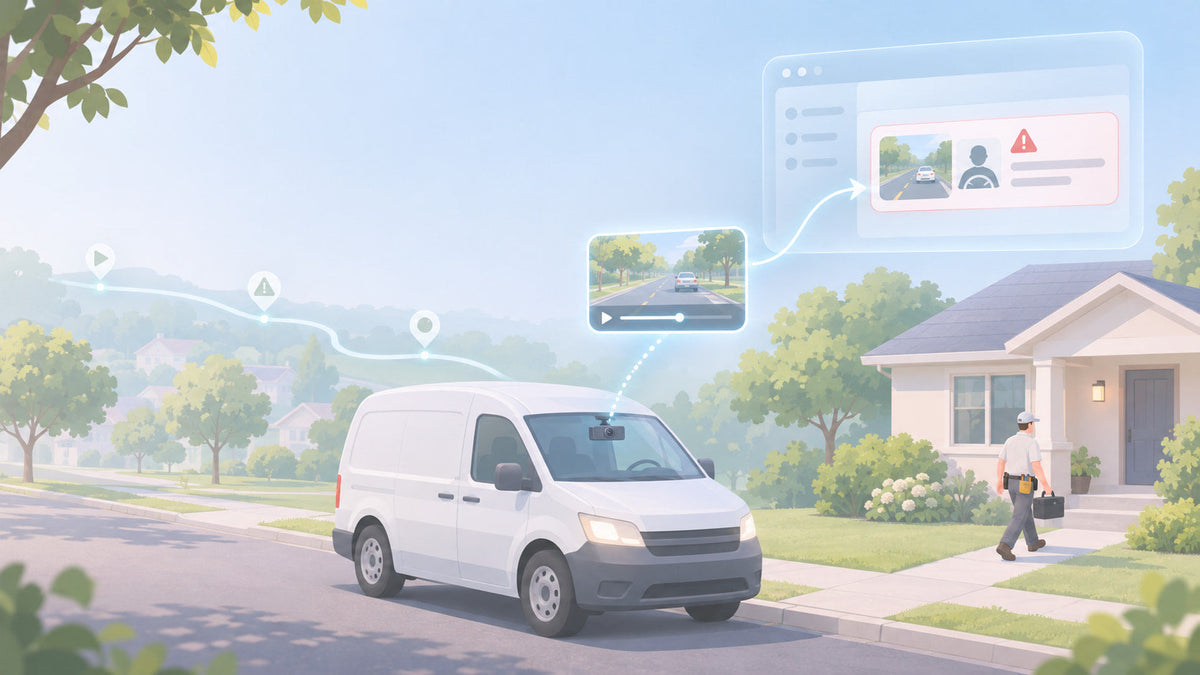
Every fleet dash cam records. The question that matters is what reaches you without anyone asking. A camera with "cloud storage" does not send every hour of driving to the cloud. It sends what it decides is worth sending, and that decision is made by its events: the list of things it watches for, how sensitive each one is, and what happens when one fires.
That is why two cloud dash cams with the same 1080p lenses and the same LTE modem can feel completely different after a month. One sends you the five clips that matter. The other buries you in 200 hard-brake alerts from stop-and-go traffic, or misses the one incident you needed. This guide explains how cloud upload works on a fleet dash cam in 2026, which events are worth having, and the event settings you should check before you buy any camera.
Spytec GPS is a self-serve GPS fleet tracking platform for small and mid-size service fleets, with free hardware, transparent published pricing and online checkout. Its Pulse Vision AI dash cam is a dual-lens 4G LTE camera with built-in GPS tracking, AI event detection and automatic cloud video upload, at $399.95 per camera per year.
How a dash cam with cloud storage works
A fleet dash cam keeps two copies of the world, and knowing which is which answers most questions owners have.
On the camera: everything, for a while
The camera records continuously to a microSD card while the vehicle is running. On Pulse Vision that card holds up to 256 GB and loops: when it fills, the oldest footage is overwritten. How far back it reaches depends on how much the van drives. A van that runs 10 hours a day overwrites faster than one that runs 3.
In the cloud: what the events send
When the camera detects an event, it clips that moment and uploads the video over 4G LTE. No Wi-Fi, no depot hotspot, no pulling the card. On Pulse Vision the clip shows up in your dashboard within minutes, tagged with the event that triggered it and the lens that recorded it (road or driver). You also get a push notification on your phone with the video attached.
On request: anything else still on the card
If something happened that the camera did not flag, the footage is usually still on the card. You pick the vehicle, the day and the time window, and the camera uploads that stretch. With Pulse Vision you can also request footage for a whole trip straight from trip history. The catch is timing: request it the same day or soon after, before the loop records over it.
Put together: cloud storage is only as useful as the events that fill it. If the event list is thin or badly tuned, the cloud holds the wrong clips and you end up hunting through the card anyway.
The events that matter for a service fleet
Events fall into three groups. A good fleet camera covers all three, because each one catches a different kind of problem.
Road events (what the vehicle does)
- Harsh braking, harsh acceleration and harsh turning. The everyday signal for rushed or aggressive driving.
- Crash or impact. The clip you need when a claim lands, including bumps while the vehicle is parked.
- Forward collision warning and following too closely. The road camera sees the hazard ahead before the brake pedal does.
- Speeding. Paired with GPS speed so the clip shows the road and the number.
Driver events (what the driver does)
- Phone use. The single most useful driver event for most fleets.
- Drowsiness. Eye closure and yawning, which matter for early starts and long days.
- Distraction and smoking. Eyes off the road, and a policy issue in company vehicles.
On Pulse Vision, phone use, drowsiness and distraction trigger a spoken alert in the cab as they happen, not just a report to you later. That is the part that changes behavior. For more on whether to turn the inward lens on, see what a driver-facing camera catches.
Device events (what happens to the camera)
- Power disconnected. If someone unplugs the camera, you want to know that day, not when you go looking for footage that does not exist.
Every one of these events is included with Pulse Vision. None of them is a paid add-on.
Road and driver AI events, cloud upload and GPS in one camera. Pulse Vision is $399.95 per camera per year, hardware free, with volume discounts from 5 cameras.
Event customization is what separates dash cam providers
An event list is easy to compare on a spec sheet. How much control you have over those events is harder to see, and it matters more. An event you cannot tune is an event you will eventually ignore. Here are the four controls that decide whether a camera works for your fleet.
1. Turn each event on or off
Not every fleet needs every event. A pest control crew that never leaves town may not care about following distance. A courier on the interstate does. You should be able to switch events on or off per camera, so a yard truck and a highway van are not held to the same list. If a camera's events cannot be switched off, every one of them becomes noise for someone.
2. Set the sensitivity
This is the setting that decides whether the system is useful. A harsh-brake event tuned for highway driving fires constantly in city stop-and-go. Set it too sensitive and the driver hears alerts all day, starts tuning them out, and you stop opening the clips. Set it too loose and you miss the near-miss that was coming. With Pulse Vision you can change the sensitivity, so a downtown plumbing van and a rural landscaping truck each get a threshold that fits how they drive.
3. Choose who gets alerted, and when
A phone-use clip at 2 p.m. on a Tuesday is a coaching conversation. A crash at 6 a.m. is a phone call. You should be able to decide which events notify you, by vehicle or by time of day, so the urgent ones reach you and the routine ones wait for your weekly review. Pulse Vision lets you set alert rules by vehicle and by time of day.
4. Choose what uploads video
Uploads use cellular data, and data is part of what you pay for. Being able to choose which events send a video clip keeps the cloud full of footage you will actually watch. Pulse Vision lets you choose what each event sends.
When you compare cameras, these four controls tell you more than resolution or field of view. Two cameras with the same lens will give you very different results depending on whether you can tune what they flag.
Live view: useful, but it is not the main thing
Live view is the feature people ask about first and use least. Pulse Vision includes a live stream: tap a vehicle on the map and open its camera. It is handy for a quick check, like confirming a van is at a job site or seeing the road during a storm. It is not unlimited; heavier live streaming costs more.
That is fine, because live view is not how a fleet dash cam protects you. Nobody watches eight vans' feeds all day. The events do the watching. Live view is for the moment you have a specific question; events and on-request clips are for everything else.
What to ask before you buy any cloud dash cam
Use these questions with every provider you look at, including us. The answers tell you how the camera will behave after the first month.
| Question | Why it matters | Spytec Pulse Vision |
|---|---|---|
| Which events are included, and which cost extra? | Driver events like phone use are often the most valuable. | All road, driver and device events included. |
| Can I turn events on or off per camera? | Different vehicles need different lists. | Yes. |
| Can I change event sensitivity? | Decides signal vs. noise. | Yes. |
| Does an event upload video or only a snapshot? | A still rarely settles a claim. | Video clip over 4G LTE, in your dashboard within minutes. |
| Can I pull footage the camera did not flag? | Some incidents are reported to you, not detected. | Yes, by time window or by trip, while it is still on the card. |
| Does the driver get alerted in the cab? | Real-time alerts change behavior; reports after the fact rarely do. | Yes, spoken alerts. |
| How much live view is included? | Live streaming uses the most data. | Included, not unlimited. |
| Does it track the vehicle too? | One device instead of a camera plus a tracker. | Built-in real-time GPS tracking. |
For a side-by-side of fleet dash cam prices, see our best fleet dash cams for small service fleets and the small-fleet dash cam pricing study. If you are still deciding whether you need a camera and a tracker or one device, read GPS tracker with camera: one device or two. For the broader buying checklist, see the commercial dash cam buying guide.
What a cloud dash cam costs with Spytec
Pulse Vision is $399.95 per camera per year (about $33.33 a month), annual plan only, because cellular video upload uses more data than a GPS tracker. The camera itself is free. Volume discounts apply automatically at checkout: 5% at 5 devices, 10% at 10, 15% at 25, 20% at 50 and 25% at 100, counted across every device in your cart. At 10 cameras that works out to $30.00 per camera per month. It plugs into the OBD port and mounts to the windshield in under 5 minutes, and it comes with a 30-day money-back guarantee. See every plan on the pricing page.
FAQ
Does a dash cam with cloud storage upload everything it records?
No. A fleet dash cam records continuously to its own memory card and uploads only the events it detects plus any footage you request. On Spytec's Pulse Vision, event clips upload over 4G LTE and appear in your dashboard within minutes, while the rest stays on a 256 GB looping card until it is overwritten.
Can I change the sensitivity of dash cam events?
On a good fleet dash cam, yes, and it is the setting that matters most. Sensitivity decides whether stop-and-go traffic floods you with harsh-brake alerts or whether the camera only flags real incidents. Spytec's Pulse Vision lets you adjust event sensitivity, turn events on or off, and choose who is alerted and what uploads video.
Does a cloud dash cam need Wi-Fi to upload video?
Not if it has a cellular connection. Pulse Vision has a built-in 4G LTE connection and uploads event clips from the road, with no Wi-Fi or depot hotspot. That is also why cloud dash cams carry a subscription: the cellular data has to be paid for.
Does Spytec Pulse Vision have live view?
Yes. You can open a live stream from any Pulse Vision camera by selecting the vehicle on the map. Live view is included but is not unlimited; heavier live streaming costs more. Most fleets rely on AI events and on-request clips day to day and use live view for quick checks.
What if the camera did not flag the moment I need?
Request it. The footage is usually still on the camera's card, so you choose the vehicle, the day and the time window, or a whole trip, and the camera uploads that clip. Do it soon after the incident, because the card loops and overwrites the oldest footage first.
Which dash cam events are included with Pulse Vision?
All of them, with no paid add-ons: harsh braking, acceleration and turning, crash and impact, forward collision warning and following distance, speeding, phone use, drowsiness, distraction, smoking and power disconnected.
The bottom line
Cloud storage on a fleet dash cam is really event storage. The events decide which moments reach you, and the controls around those events decide whether you get five clips worth watching or two hundred you learn to ignore. When you compare cameras in 2026, look past the lens specs and ask which events are included, whether you can tune their sensitivity, and whether you choose who gets alerted and what uploads. Those answers decide what the camera is worth after the first month.
Events you can tune, video in minutes, GPS built in. Pulse Vision is $399.95 per camera per year with free hardware and a 30-day money-back guarantee. No sales calls.






Share:
What a Fleet Tracking App Should Do for a Small Fleet (2026)