

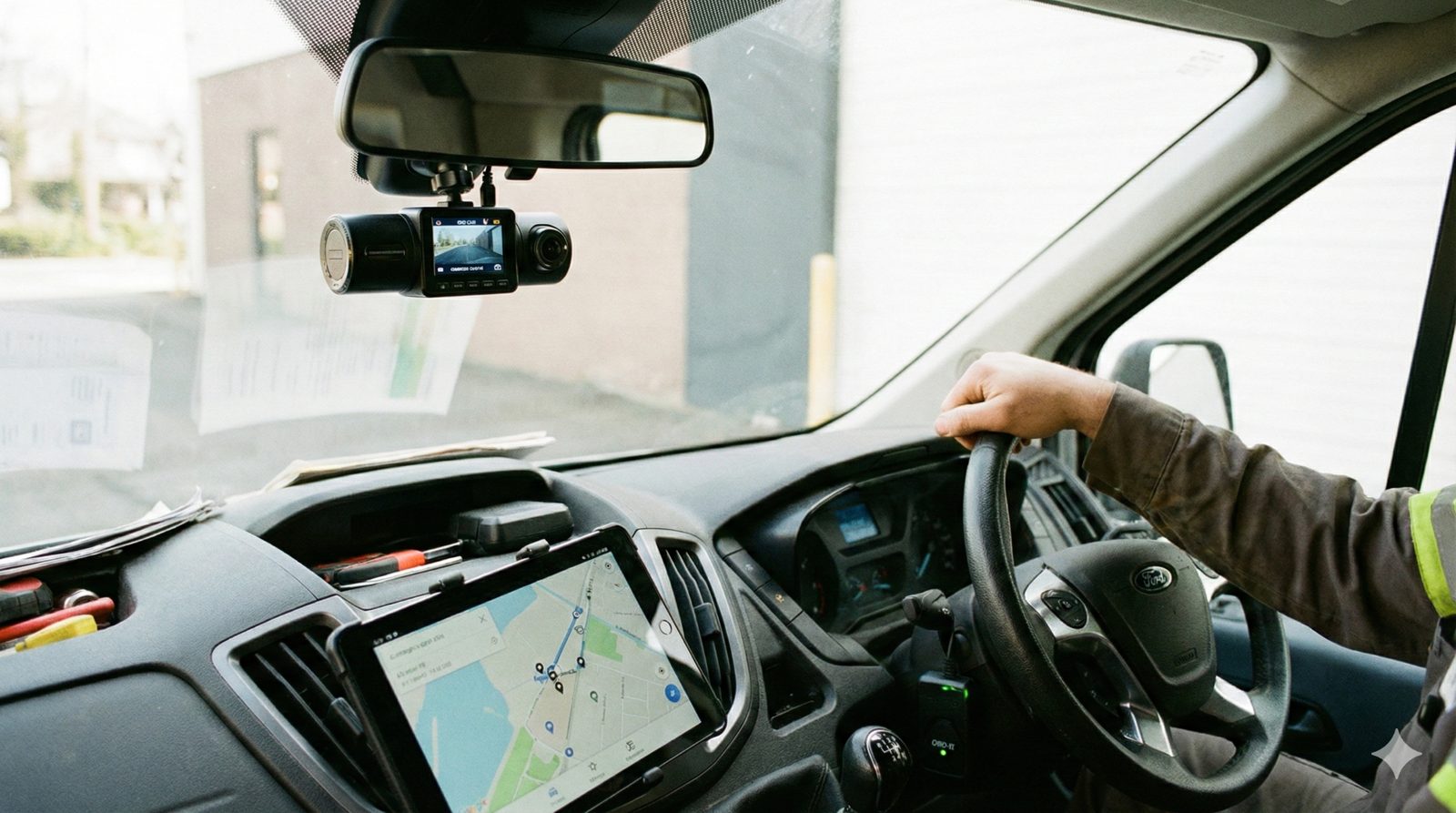
If you run a service business—whether it’s plumbing, HVAC, or landscaping—you likely have a limited budget for fleet technology. You know you need visibility into your operations, but when it comes time to buy, you hit a fork in the road.
Spytec GPS is a self-serve GPS tracking platform for small and mid-size fleets, with plans starting at $8.95/vehicle/month and no long-term contracts.
Do you need a commercial dash cam to protect yourself from accidents and insurance claims?
Or do you need a GPS tracker to monitor efficiency, stop time theft, and route your team faster?
In a perfect world, you would have both. But for small to mid-sized fleets (5–50 vehicles), budget constraints are real. You shouldn't have to pay enterprise-level prices just to know where your trucks are.
This 2026 guide breaks down the commercial dash cam vs GPS tracker debate. We’ll explain what each device actually solves, where they overlap, and how to decide which one is the priority for your specific business stage.
The Core Difference: Telematics vs. Video Telematics
Before comparing features, it is helpful to define the core technology. This distinction matters because it dictates the data you get and the problems you solve.
- GPS Tracking (Telematics): Answering "Where" and "When." A standard GPS tracker plugs into the vehicle (usually the OBD port) or is hardwired to the battery. It transmits location, speed, ignition status, and route history. It produces dots on a map and data reports.
- Dash Cams (Video Telematics): Answering "Why" and "How." A commercial dash cam records video footage of the road (and optionally the driver). Modern systems use AI to detect unsafe driving behaviors like tailgating or cell phone use. It produces video evidence.
At Spytec GPS, we built our reputation on providing the most affordable, no-contract GPS tracking for small businesses. But as insurance premiums skyrocketed, our customers asked for video protection too. That’s why we introduced the Pulse Vision AI—to give small fleets the same liability protection as the big trucking carriers.
What GPS Trackers Actually Do (Efficiency & Theft)
If your primary headaches are operational—wasting gas, employees taking long lunches, or billing disputes—a GPS tracker is your first line of defense.
GPS trackers are the "operations manager" of your fleet technology stack. They provide the hard data needed to run a lean business.
1. Real-Time Dispatching and Routing
For industries like plumbing and HVAC, speed is revenue. When an emergency call comes in, you can’t rely on calling three technicians to ask, "Where are you?" GPS tracking lets you see exactly who is closest to the job site, reducing windshield time and fuel costs.
2. Preventing Time Theft and Side Jobs
Labor is likely your biggest expense. A GPS tracker verifies start and stop times automatically. If a technician says they were at a job site for three hours but the GPS shows the vehicle moved after 45 minutes, you have the data to correct that billing (and payroll) error.
3. Theft Recovery
If a work van loaded with tools is stolen, a GPS tracker gives you the best chance of recovery. Police can use the live location data to intercept the vehicle often before it’s stripped.
→ See fleet tracking plans starting at $8.95/mo
What Commercial Dash Cams Actually Do (Liability & Safety)
If your primary headaches are financial risk—rising insurance premiums, frequent accidents, or fear of lawsuits—a commercial dash cam is your priority.
Dash cams are the "attorney" and "safety officer" of your fleet stack. They provide context that data points alone cannot.
1. Exoneration from False Claims
We live in an era of "nuclear verdicts," where commercial fleets are often targeted for lawsuits after accidents, regardless of fault. If a passenger car brake-checks your delivery van and causes a collision, it is your word against theirs. Without video, the commercial vehicle often gets the blame. With video, you can email the clip to your insurance adjuster and close the claim in minutes.
2. Lowering Insurance Premiums
Many commercial auto insurance providers offer discounts for fleets that install video telematics systems. Even without a direct discount, the ability to defend against at-fault claims prevents your premiums from spiking upon renewal.
3. Correcting Driver Behavior
GPS can tell you a driver was speeding; a dash cam can tell you why. Were they reckless? Or were they flowing with traffic? Modern AI dash cams can also detect distracted driving (like texting) and alert the driver in real-time to put the phone down.
Comparison: GPS Tracker vs. Dash Cam
Here is how the two technologies stack up against specific business problems.
| Problem to Solve | GPS Tracker Only | Dash Cam (with GPS) |
|---|---|---|
| "Where are my trucks?" | ✅ Excellent (Real-time map) | ✅ Good (Map view included) |
| "Did my tech do a side job?" | ✅ Excellent (Route replay) | ⚠️ Okay (Requires checking video) |
| "Who caused the accident?" | ❌ No visual evidence | ✅ Excellent (Video proof) |
| "Is my driver texting?" | ❌ Cannot detect | ✅ Excellent (AI detection) |
| Installation Difficulty | Very Low (Plug-in) | Medium (Mounting & cabling) |
| Cost | $ (Lowest cost) | $$ (Higher hardware cost) |
The Hybrid Approach: When Do You Need Both?
The industry is moving toward convergence. This is why our Pulse Vision AI Dash Cam includes a built-in GPS tracker. However, understanding when to upgrade is key to managing your budget.
Public dash-cam pricing is often difficult to compare because some providers publish camera add-ons, starting prices or special-program pricing rather than a complete system price. Our 2026 small-fleet AI dash cam pricing study examines 17 providers using current first-party sources.
Choose GPS Only If:
- You are just starting to manage a fleet (5–10 vehicles).
- Your main goal is efficiency, dispatching, and verifying payroll hours.
- You need a hidden installation (GPS trackers can be hidden; dash cams must be visible).
- Budget is your tightest constraint. Spytec GPS plans start at just $14.95/vehicle/month (monthly) or $8.95/vehicle/month (annual).
Choose a Dash Cam (with GPS) If:
- You have had a costly insurance claim or lawsuit in the last 24 months.
- You operate in high-traffic urban areas with high accident risks.
- Your insurance broker has indicated that installing cameras will prevent a premium hike.
- You are concerned about distracted driving habits among younger employees.
The Spytec Difference: Protection Without the Bloat
Most fleet management companies try to force you into a bundled "all-in-one" contract that costs thousands of dollars upfront and locks you in for three years. They sell you enterprise features designed for long-haul trucking that a local landscaper will never use.
At Spytec, we take a modular approach. You can mix and match. Put simple OBD trackers in your older service vans and install AI Dash Cams in your new trucks. Everything is viewable on the same dashboard.
We believe in earning your business every month. That means no long-term contracts, a 30-day money-back guarantee, and free hardware included with your subscription.
Related guides: GPS Trackers for Cars, Trucks & Vans — 2026 Buying Guide | The Complete Guide to OBD GPS Trackers | OBD vs Hardwired GPS Tracker Comparison | 5 Best Fleet Tracking Systems for Small Businesses
Frequently Asked Questions
Do dash cams record all the time?
Commercial dash cams typically record in loops, overwriting old footage unless an incident is detected. However, Spytec’s Pulse Vision AI detects "events" (crashes, harsh braking, cornering) and automatically uploads those clips to the cloud for permanent storage and review.
Can I use a regular consumer dash cam for my fleet?
You can, but it is risky. Consumer dash cams usually rely on SD cards. If an accident happens, you have to physically retrieve the card—assuming the driver didn't lose it or format it. Commercial dash cams automatically upload accident footage to the cloud via cellular networks, ensuring you have the evidence immediately.
Does the Spytec dash cam include GPS tracking?
Yes. The Pulse Vision AI Dash Cam is a dual-device solution. It provides the video evidence of a camera combined with the location tracking, speed data, and route history of our standard GPS trackers.
Protect Your Fleet from Theft and Liability
Whether you need dots on a map or eyes on the road, we have a no-contract plan for you. Free hardware included.
Compare Fleet Solutions →






Share:
Fleet Tracking Case Studies: 3 Service Fleets That Stopped Bleeding Cash
OBD vs Hardwired GPS Tracker: The 2026 Comparison Guide for Fleet Owners.