

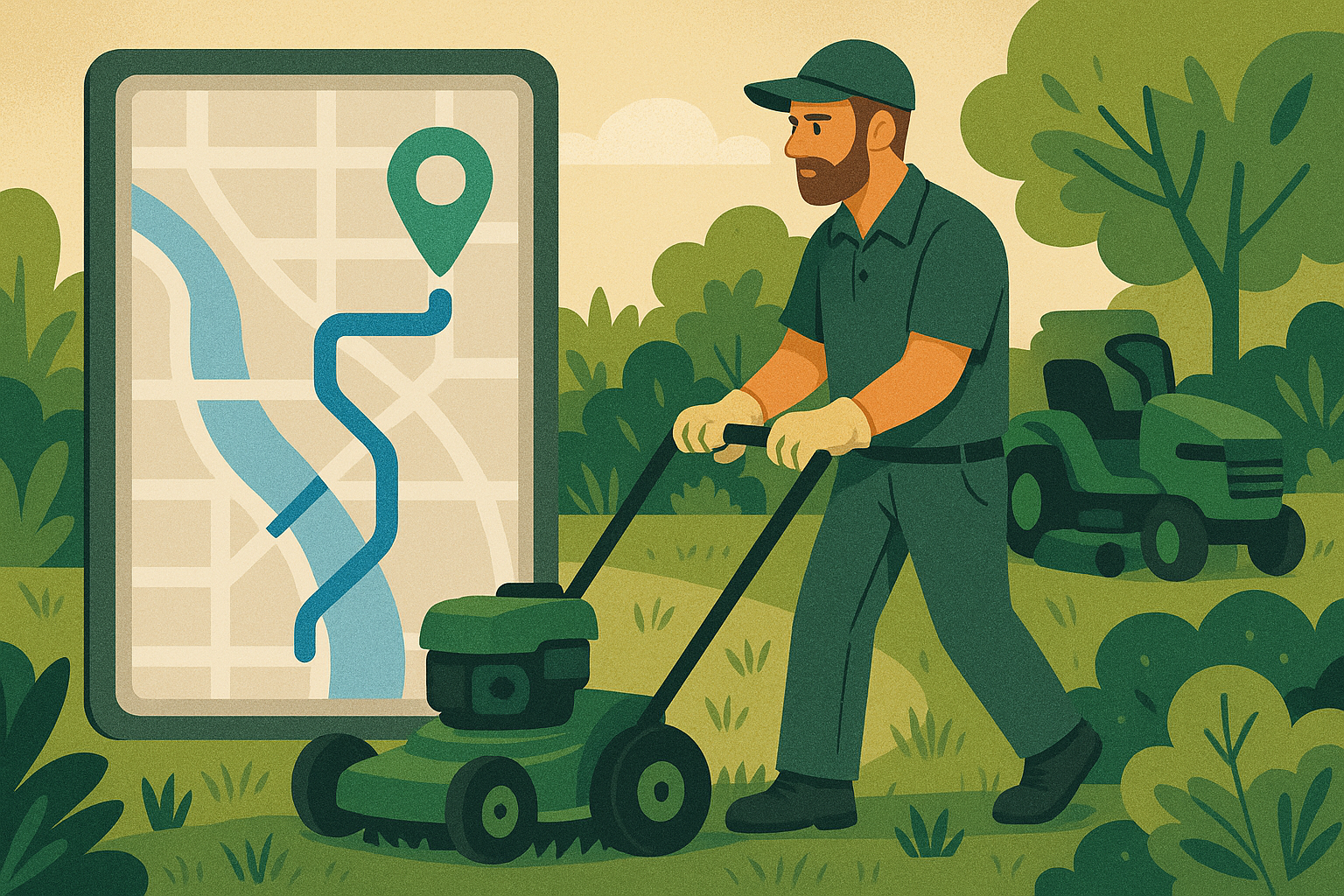
If you run a landscaping or lawn care company, your whole business depends on crews moving through routes efficiently:
Spytec GPS is a self-serve GPS tracking platform for small and mid-size fleets, with plans starting at $8.95/vehicle/month and no long-term contracts.
- Crews bouncing across town instead of working one area at a time
- Skipped properties that create angry calls and lost contracts
- Extra fuel burned on bad routes, idling, and “quick stops”
- Side jobs done in your trucks with your fuel and equipment
You don’t always need more trucks or more crews to grow. In many cases, you just need to see how your existing routes and crews actually behave during the day.
That’s exactly what landscaping GPS fleet tracking gives you: a live map of every truck and trailer, trip history for each day, and the data you need to fix route chaos, control fuel, and keep crews accountable.
This article walks through how landscaping companies use GPS tracking to tighten routes, stop time theft, and protect their equipment—without turning into micromanagers.
1. Fix “route drift” so crews stop crisscrossing town
The problem
On paper, your routes probably look clean:
- North route, central route, south route
- Crew A handles these neighborhoods, Crew B handles those
In reality, once the day starts, things drift:
- Crews swap stops “to help out”
- Someone pulls a crew across town for a “quick” extra job
- Techs pick their own order based on habit, not efficiency
That drift adds extra drive time, burns fuel, and kills your ability to fit in extra properties.
How landscaping GPS fleet tracking fixes it
With landscaping fleet tracking software, you can see:
- Exactly where every truck and trailer is, in real time
- The actual route each crew takes every day
- Where they doubled back, crossed another crew’s path, or left their zone
After a week or two, patterns jump out. You can then:
- Redraw routes based on how long neighborhoods really take
- Keep crews in tight zones instead of citywide ping-pong
- Spot and fix habits like “always starting from the furthest stop”
Even cleaning up 15–20 minutes of extra drive time per crew per day adds up to more finished properties by the end of the week.
2. Catch skipped properties before the client does
The problem
Landscaping is repetitive work. Crews are out all day, and it’s easy for a property to get skipped when:
- Weather throws off the plan
- A gate is locked and the crew forgets to return
- New hires don’t know the route well yet
When that happens, you usually find out because the client calls angry—or worse, quietly cancels service later.
What GPS data gives you
With trip and stop history from your tracking system, you can see:
- Every place a truck actually stopped on a given day
- How long they spent at each property
- Which customers weren’t visited at all
That lets you:
- Run quick end-of-day checks on key commercial accounts
- Proactively call a customer when there’s a problem (“Gate was locked, we’ll swing back tomorrow”) instead of waiting for complaints
- Prove that a crew was on-site when a client claims “you never showed up”
The result: happier customers, fewer surprises, and fewer lost contracts due to silent errors.
3. Stop side jobs and time theft in your trucks
The problem
Landscaping has a long history of “extras”:
- Crews doing cash jobs on the side on their way home
- Long, unexplained stops during the day
- Fuel card spend that doesn’t quite match the route
Even if you trust your team, it’s hard to ignore the possibility when profit feels tight and overtime creeps up.
How GPS tracking changes the conversation
With a proper GPS fleet tracking system for landscaping trucks, you see:
- Where vehicles are at all times during work hours
- Any stops at addresses that aren’t on the schedule
- Vehicle movement during off-hours
You can set:
- Off-hours alerts – get a notification if a truck moves at night or on days it shouldn’t
- Geofences – get alerted when vehicles arrive at or leave your yard and certain key customers
That doesn’t mean you spy on every second of the day. It means you can spot obvious abuse—repeated long stops at the same house, trucks moving on Sundays, etc.—and deal with it with facts instead of suspicion.
4. Bring fuel and idle time under control
The problem
Your crews work outside in heat and cold. Trucks and trailers sit running while crews load, unload, or “just” finish up at a property.
Over a whole fleet, that turns into:
- Large fuel bills that feel impossible to explain
- Extra wear on engines from constant idling
- Less cash available for new equipment or another crew
What a landscaping GPS fleet tracking system shows you
Even if you’re only using plug-in OBD trackers or wired GPS units, you can still see:
- How much each vehicle idles per day
- Where the worst idling happens (yard, certain properties, lunch spots)
- Which drivers consistently run routes aggressively vs smoothly
That lets you:
- Set a realistic idling policy (“no more than X minutes at a time”)
- Address extreme cases with data instead of accusations
- Reward crews who consistently keep fuel and idle time under control
Over time, trimming idling and smoothing routes becomes one of the easiest ways to find money you didn’t know you were losing.
5. Protect mowers and equipment when trucks are unattended
The problem
A landscaping truck is more than a vehicle. It’s a rolling inventory of:
- Mowers and trimmers
- Blowers and edgers
- Hand tools and specialty gear
When trucks and trailers sit in parking lots, hotel lots, or neighborhoods, you’re exposed to:
- Equipment theft when crews can’t see the vehicle
- Whole trailer theft if someone simply hitches up and drives away
How GPS helps
With landscaping GPS tracking in place, you can:
- See exactly where every vehicle is, 24/7
- Get alerts when a truck leaves your yard at unexpected times
- Quickly share live location information with law enforcement if a vehicle or trailer is stolen
For many owners, the peace of mind around theft protection alone justifies the cost of tracking—especially with rising equipment prices.
Spytec GPS for Landscaping Fleets
Spytec GPS offers a flexible alternative for landscaping companies managing seasonal crews:
- Spytec GPS: Route history and stop verification — full trip history showing exactly which properties each crew visited, how long they stayed, and which were skipped, available 365 days back.
- Spytec GPS: Geofencing and off-hours alerts — real-time notifications when trucks visit unscheduled addresses or move on weekends, protecting against side jobs in company vehicles.
- Spytec GPS: No contracts, $8.95/vehicle/month — annual plans start at $8.95/vehicle/month with no long-term commitment, built for seasonal landscaping operations that scale up in spring and down in winter.
- Spytec GPS: Equipment and trailer protection — battery-powered asset trackers for unpowered trailers, mowers, and equipment that sits on job sites overnight.
- Spytec GPS: Self-serve installation — plug-and-play OBD trackers install in seconds; hardwired options take 60 seconds; no shop visit required.
→ See fleet tracking plans starting at $14.95/mo
6. Keep seasonal crews accountable without micromanaging
The problem
Landscaping is seasonal in many regions. You bring on extra crews in spring and summer, often with limited training and high turnover.
That creates challenges:
- New drivers learning routes on the fly
- Crews trying to “game” the day when they think no one’s looking
- Supervisors stretched too thin to physically check every area
How GPS makes scaling seasonal crews easier
With a clear live map and trip history for every truck, supervisors can:
- Quickly see which crews are on schedule and which are falling behind
- Reassign crews mid-day when certain routes go sideways
- Review problem days with actual route and stop data instead of hearsay
When you combine this with clear expectations (“We track vehicles so we can fix routes and keep everyone safe”), most crews understand that GPS is there to support operations, not to hover over every move.
7. The GPS features that matter most for landscaping fleets
There are plenty of fleet systems out there. If you run a landscaping company, focus on these when you’re evaluating options:
- Fast, reliable location updates – so dispatch can see where crews actually are and slot in add-on jobs in real time.
- Trip and stop history – to verify visits, review route quality, and find skipped or short-changed properties.
- Geofences – to track arrivals and departures at your yard, major commercial accounts, and dumping sites.
- Driver behavior data – to keep speeding, harsh driving, and aggressive routes under control.
- Easy web + mobile access – so owners and supervisors can manage routes from the office or in the field.
Our own GPS fleet tracking for landscaping companies was built with these exact needs in mind: fast updates, easy install OBD or wired trackers, flexible reporting, and a simple self-serve setup you can roll out without an IT project.
8. A simple rollout plan for a 10-truck landscaping company
You don’t have to overhaul everything at once. Here’s a straightforward way to start:
Step 1: Pick your pilot trucks
- Choose 5–10 vehicles that cover your main routes and crew types
- Include at least one truck with a known “problem” route so you can see the impact quickly
Step 2: Talk to your crews first
- Explain that you’re tracking vehicles to improve routes, reduce chaos, and protect equipment
- Be transparent about what you see (movement, stops) and what you don’t (their personal phones, etc.)
- Make it clear the goal is fewer late days and more predictable schedules
Step 3: Install trackers and let the data build up
- Plug in OBD devices or wire in trackers to permanent vehicles
- Label each vehicle correctly in the app
- Run for at least 2–4 weeks before making big changes
Step 4: Review and adjust routes
After a few weeks, sit down with:
- Maps of actual routes vs planned routes
- Average job counts per crew per day
- Fuel and idling trends for each truck
Then:
- Rebuild routes around real drive times and job durations
- Cluster properties more tightly by zone
- Set simple rules around idling, off-hours movement, and skipped stops
Step 5: Roll out to the rest of the fleet
- Share early wins with your team (cleaner days, fewer “where are you?” calls, fewer missed stops)
- Install trackers on the remaining vehicles
- Make GPS part of your standard operating rhythm—not a one-off project
What to do next
If any of this sounds familiar—high fuel bills, route chaos, skipped properties, or side jobs—it’s a sign that you’re running blind in parts of your operation.
The good news: you don’t need a huge enterprise fleet system or a full-time fleet manager to fix it. You just need clear visibility into where your trucks are and how your routes really run.
Explore GPS fleet tracking for landscaping companies, choose your trackers, and see how much smoother your routes (and your margins) can get once you can see everything on one screen.
Spytec Fleet Tracking for Landscaping Companies: Pricing, Specs, and How It Compares
Pricing
Spytec GPS fleet tracking starts at $8.95/month per vehicle on an annual plan. Here's the full breakdown:
| Tracker Type | Annual Plan | Monthly Plan |
|---|---|---|
| OBD plug-in | $8.95/month | $14.95/month |
| Hardwired | $12.95/month | $14.95/month |
Annual plans are paid upfront for the year. Monthly plans offer full flexibility — cancel anytime. No long-term contracts on any plan. Volume discounts available for fleets of 5+ vehicles.
Why landscaping companies choose Spytec over alternatives
- 70–80% less expensive than Samsara or Motive — fleet tracking starting at $8.95/vehicle/month vs. $30–40+ with enterprise providers
- No sales calls or demos required — pick your plan, order your trackers, and set up online in minutes
- No contracts — choose annual for the best rate or monthly for maximum flexibility; no multi-year lock-in like Azuga or Linxup typically require
- 1-second location updates — see exactly where your crews are so dispatch can slot in add-on jobs and give customers accurate ETAs
- Self-install in under 5 minutes — OBD trackers plug directly into your trucks; no shop visit or downtime required
- Scales from 5 trucks to 500+ — the same platform works whether you're a local crew or a multi-location regional operation
Quick specs
- Location updates: Every 1 second (OBD) or 5 seconds (hardwired)
- Hardware options: OBD-II plug-in, hardwired, or battery-powered for trailers and equipment
- Geofencing: Unlimited geofences included — set up alerts for your yard, material suppliers, dump sites, and key commercial accounts
- Alerts: Speed, after-hours movement, geofence entry/exit, idle time, low battery
- Trip history: 365 days of complete trip and stop history — verify visits, review routes, resolve customer disputes
- Users: Unlimited — add owners, dispatchers, supervisors, and office staff at no extra cost
- Live links: Unlimited shareable URLs for real-time location sharing (give commercial customers or property managers a live ETA link)
- Reporting: Custom reporting included
- Access: Web dashboard + iOS/Android apps
- Installation: Self-install (OBD plugs in instantly, hardwired takes ~20 minutes with basic tools)
- Support: Phone, email, and chat — US-based
Common questions from landscaping fleet owners
Can dispatchers see all trucks on one screen?
Yes. The live map shows every vehicle in your fleet with real-time location. Dispatchers can see who's finishing up, who's closest to the next property, and who's stuck in traffic — all without texting or calling crews.
Can I use this to give customers better arrival windows?
Absolutely. With 1-second updates and full trip history, you can see how long jobs actually take and how long it takes to drive between zones. That data lets you tighten service windows from "8am to noon" to "10am to 11am" — and actually hit them.
What's the difference between annual and monthly plans?
Annual plans offer the best pricing ($8.95–$12.95/month) but are paid upfront for the year. Monthly plans ($14.95/month) let you cancel anytime. Neither requires a multi-year contract.
Do I need to take trucks out of service to install trackers?
No. OBD trackers plug into the port under the dash in about 30 seconds. Hardwired installs take around 20 minutes with basic tools. Most landscaping companies install trackers themselves at the end of the day or over a weekend — no shop visit required.
What if I have a mixed fleet — trucks, pickups, and some trailers?
No problem. Use OBD or hardwired trackers for your vehicles and battery-powered trackers for trailers or equipment that doesn't have constant power.
How does Spytec compare to Samsara or Motive?
Samsara and Motive are built for large enterprise fleets and typically cost $30–40+ per vehicle per month with required demos and sales calls. Spytec offers comparable core tracking features — live location, trip history, geofencing, driver behavior — at 70–80% less cost, with self-serve signup and no contracts.
Frequently Asked Questions
Do I need a contract to use Spytec GPS fleet tracking?
No. Spytec GPS operates on month-to-month or annual plans with no long-term contracts. You can cancel anytime without penalty. Plans start at $14.95/vehicle/month (monthly) or $8.95/vehicle/month (annual), and every plan includes a free GPS tracker.
How long does it take to install a GPS tracker on a fleet vehicle?
OBD trackers plug into the port under the steering wheel in about 10 seconds. Hardwired trackers take roughly 60 seconds — connect two wires to the vehicle battery. No mechanic or professional installation needed.
Can I track my vehicles in real time?
Yes. Spytec GPS provides real-time location updates as frequently as every 5 seconds on certain plans. You can view all vehicles on a single map dashboard from your computer or phone, see speed, heading, and stop duration for each vehicle.
What if an employee removes or unplugs the tracker?
Spytec GPS sends an instant alert if a tracker is unplugged or loses power. For tamper-resistant installations, hardwired trackers can be mounted securely behind the dashboard and connected directly to vehicle power.
Does Spytec GPS work for fleets with fewer than 10 vehicles?
Absolutely. Spytec GPS is built specifically for small and mid-size fleets of 5 to 50 vehicles. There are no minimum vehicle requirements, and you get the same features whether you track 3 vans or 50 trucks.
Ready to see your fleet in real time?
Free tracker with every plan. No contracts. Ships in 2 days.
Shop Fleet Trackers →






Share:
How HVAC Companies Use GPS Fleet Tracking to Fit in More Jobs Per Day (Without Adding Vans)
Pest Control Fleet Tracking: Protect Your License & Automate Proof of Service